
Create useful content, gain visibility and share your ideas.
In this article we will help you create your blog.
1. Go to the Website area - Configurator - Contents.
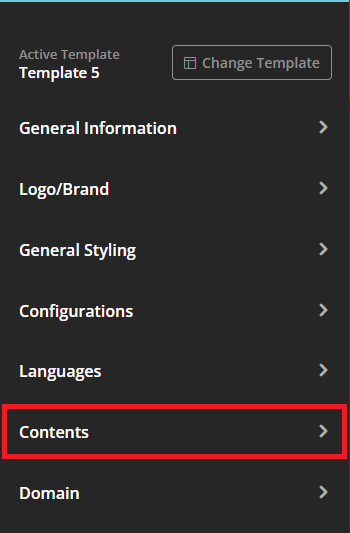
2. Go to the “Blog” tab.
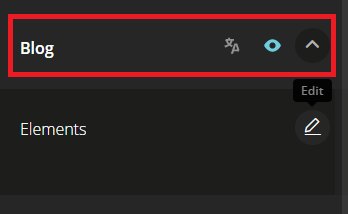
3. Select Edit.
4. Click the green button to add a new article.
5. Set the visibility on the website and publication start date.
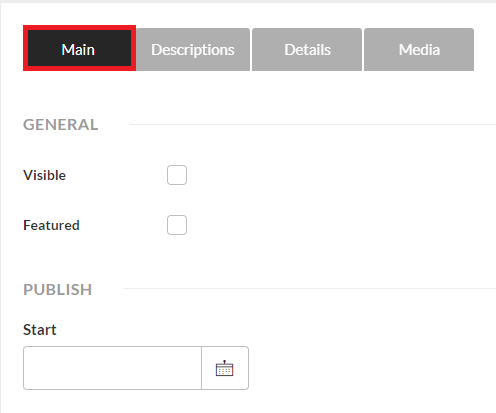
6. Add descriptions and make translations.
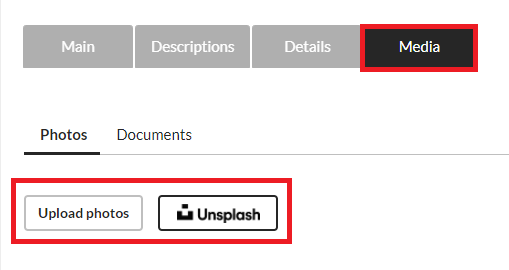
7. Upload photos and/or access the image database.
8. Publish on the website.
This feature is available for all CASAFARI CRM users.
For more information, please contact us on Chat or email: help@casafaricrm.com